






LINE is a communication app designed to connect users through messages, voice calls, and video calls. It allows you to exchange text, make calls, and visually express yourself using a wide variety of stickers and emojis. The app supports seamless communication across multiple devices, including mobile, desktop, and Wear OS, enabling you to stay in touch with friends and family wherever you are.
Messages, Voice, and Video Calls
The app provides fundamental communication tools, enabling users to send messages, make voice calls, and conduct video calls with their LINE friends. This core functionality facilitates direct interaction and real-time conversations.
Stickers, Emojis, and Themes
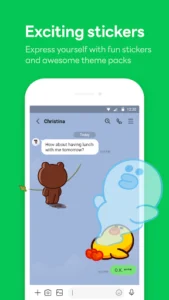
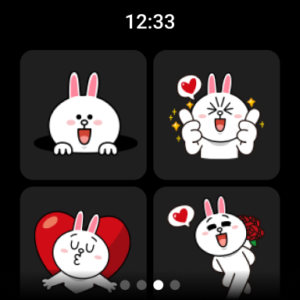
Users can personalize their messages with an extensive selection of stickers and emojis to convey expressions beyond text. Additionally, the app supports customizable themes, allowing individuals to change the visual appearance of their LINE interface to suit their preferences. The Home section of the app offers convenient access to the sticker shop for discovering new options.
Seamless Multi-Device Connectivity
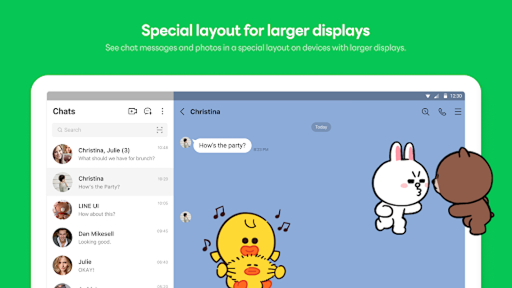
LINE offers a consistent communication experience across various platforms. Users can access their chats and calls from their smartphone, desktop computer, or Wear OS device. This multi-device support ensures that communication remains accessible whether you are on the go, working in an office, or at home.
Keep Memo for Temporary Storage
A feature called Keep Memo provides a personal chatroom within the app where users can temporarily store messages, photos, and videos for their own reference. This acts as a private space for saving important content without sending it to another contact.
Letter Sealing for Message Protection
To enhance privacy, LINE incorporates Letter Sealing, a security feature that encrypts messages, call history, and location information. This encryption helps protect the confidentiality of your communications within the app.
Wear OS Smartwatch Integration
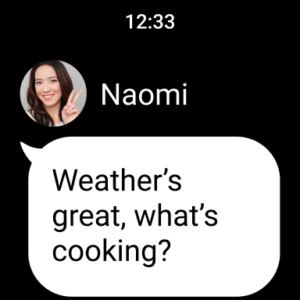
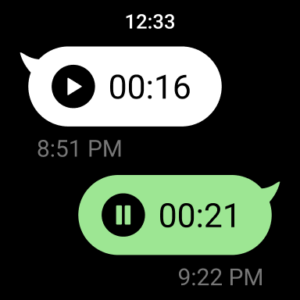
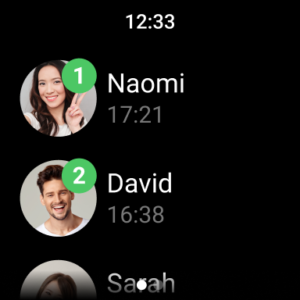
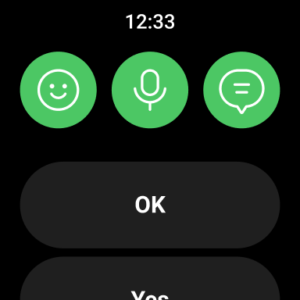
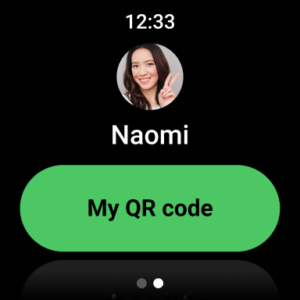
For users with smartwatches running Wear OS, the app can be connected to check messages directly from the wrist. It also supports adding a LINE app complication to the watch face, providing quick access or information at a glance.
Installation and Usage Considerations
To ensure full functionality, LINE recommends using Android OS versions 11.0 or above. For proper installation, a stable network connection with sufficient speed and adequate device storage are required. Users should also be aware that data usage fees may apply, and connecting to a data plan or Wi-Fi is recommended.






Write a review